Why "splice"
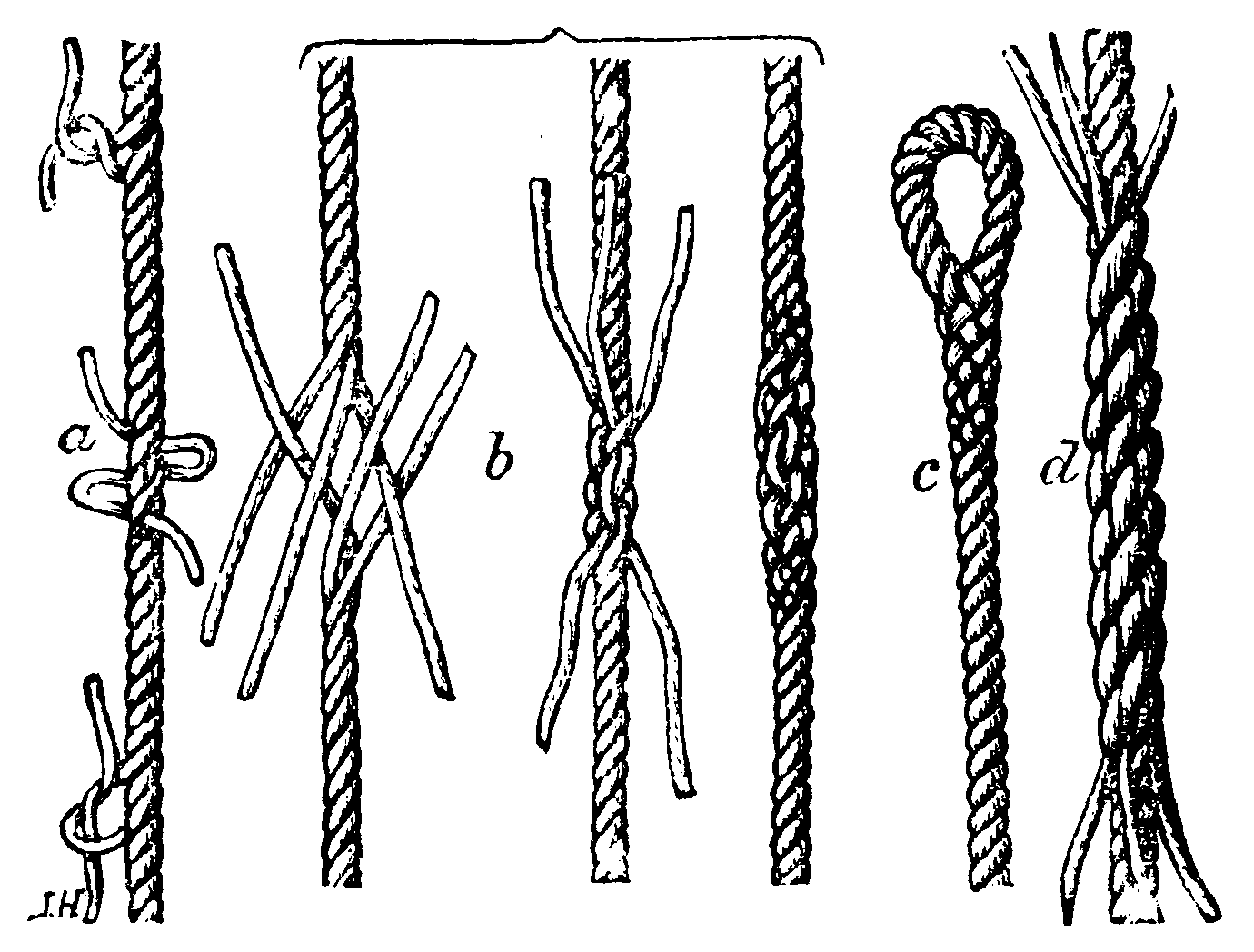
Rope splices, a) a long splice, from the Nordisk familjebok, 2nd edition, vol. 26 (1917). Public domain, via Wikimedia Commons.
A splice joins two things into
one: ropes, film, tape, wires, optical fibres, wooden beams, genes. The
name git-splice borrows from all of them.
Rope splicing
A long splice unlays the strands of two ropes and weaves each into the other. Unlike a knot, or even a short splice, it adds no lump: the joint has nearly the rope's own diameter and runs through a pulley like the rest of the rope.
git-splice works the same way. The upstream's files are woven into the
monorepo as an ordinary folder, with no submodule pointer (gitlink) and
nothing extra to check out. You see the joint only as one small file,
<path>/.splice, which records the upstream.
Noun and verb
As a noun, a splice is the joint: here, the folder together with its
connection to the upstream repository. "The vendor/a/ splice" is the
folder vendor/a/ and the upstream it syncs with.
As a verb, you splice something in or out:
- splice in: bring upstream content into the monorepo, with
clone,mergeandpull. - splice out: publish the monorepo's changes upstream, with
push.
The vocabulary defines these and the other terms.
RNA splicing
In RNA splicing, a cell cuts the introns out of a gene's transcript and joins the remaining exons into one continuous strand.
push does something similar to the monorepo's history. A monorepo commit
may touch the splice and app/ at once. The rebuild keeps only the part
inside the folder, drops commits that don't touch it, and joins the rest
into a history the upstream can take as its own.
Array.prototype.splice
JavaScript's
splice
removes and inserts elements in place: unlike slice, it changes the
array it is called on.
const files = ["app", "lib", "docs"];
files.splice(1, 1, "lib v2");  // files is now ["app", "lib v2", "docs"]
git-splice changes the repository it runs in, too. pull merges the
upstream's changes into the folder in place, as an ordinary commit on
your branch, rather than checking them out somewhere else.